Build agents
Agent editor
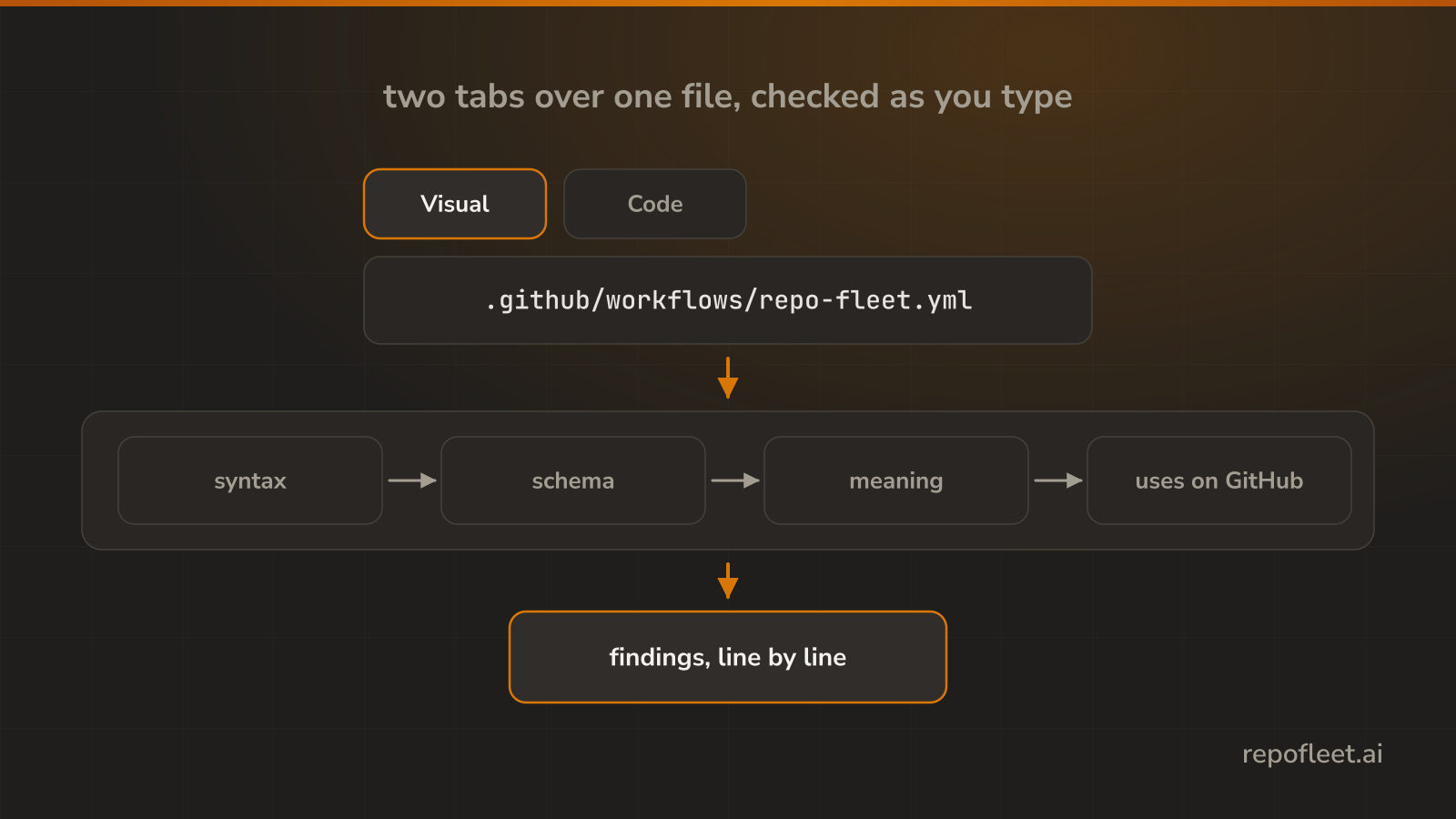
Edit one workflow file on the Visual or Code tab, with every keystroke checked before you save.
Open a file
Agents shows one workflow file two ways. The Visual tab reads it back as cards you edit through plain fields, and the Code tab is the YAML itself, typed into directly.
- Account, repository, branch, and file are selectors and parts of the address, so a link opens what you were reading.
- Only
.ymland.yamlfiles directly under.github/workflowscount as workflows. - It opens where you left off, on the last workflow you had open.
The cards on the Visual tab
- This agent names the file, its name, and the queue it runs in.
- What it is allowed to touch holds the run token's permissions, one row a scope.
- Environment variables holds the values every job can read.
- When it runs holds the triggers; a plus opens the catalogue of events.
- What it does holds the jobs, each with its runner, its timeout, and its steps in order.
What the checks catch
- Errors are what GitHub would refuse: an unknown job in
needs, a cycle, an unbalanced${{, a cron that does not parse. - Warnings are habits that go wrong: an unpinned action, a job with no timeout, a secret in a
runline. - Every
usesis checked against GitHub, so a missing repository, tag, or input is caught before the run. - Clicking a finding takes you to the card, or to the line on the Code tab.
Save it
- Commit to the branch you are on, or open a new
fleet/branch with a pull request into it. - The save names the sha it read. A file changed on GitHub since is refused, and your edits stay.
- A finding never blocks a save. With errors, the dialog says how many and asks first.
- Leaving with unsaved edits asks first, on a link, a selector, a reload, or a closed tab.