Run and operate
Branches and pull requests
Where an edit lands, where an agent's own work goes, and why a schedule ignores your branch.
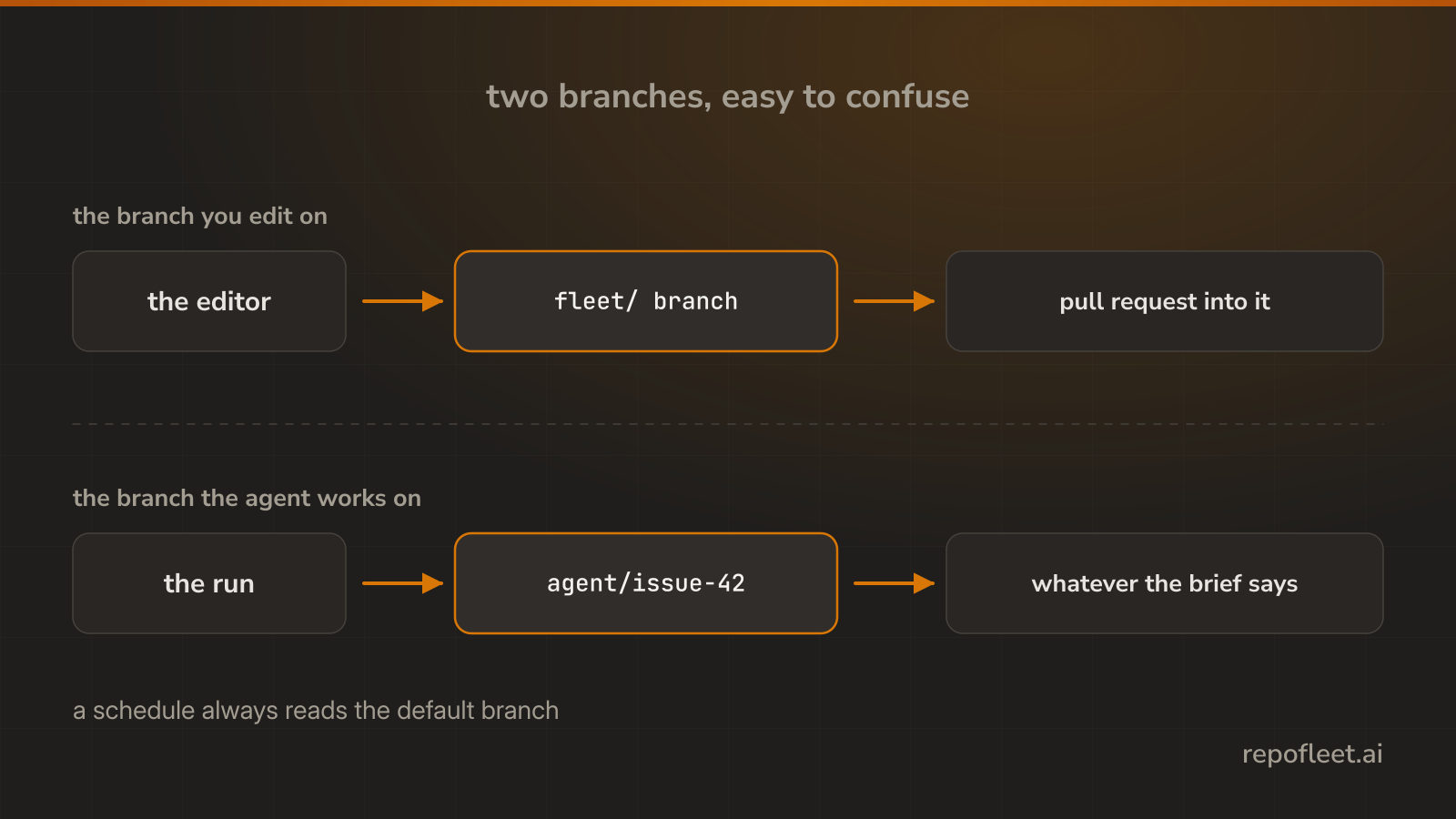
Two branches to keep apart
The branch you are editing on decides which copy of the workflow file the editor reads and saves. The branch the agent works on is whatever the file tells the run to do, decided on the runner, long after you saved.
Saving an edit
- Commit to the branch you are on writes the file straight to it, with the message you type.
- A new branch with a pull request writes to a
fleet/branch and opens a pull request into the branch you were on. - The save names the sha it read. A file changed on GitHub since is refused, and your edits stay on screen.
- Nothing is written until you save. Picking a template, editing a card, and typing YAML all leave the file alone.
Where an agent's work goes
- The starter pipeline pushes to the default branch and closes the issue it took.
- A brief can ask for a branch and a pull request instead. It is one line of the prompt, and it puts a person between the work and the branch.
- A protected branch decides for you. With a required review, an agent lands nothing nobody read.
A schedule reads the default branch
- A scheduled run always takes the copy on the default branch, whichever branch you edited.
- So a schedule changed on a branch does nothing until that branch is merged, and the Actions tab stays quiet about it.