Getting started
Run your first agent
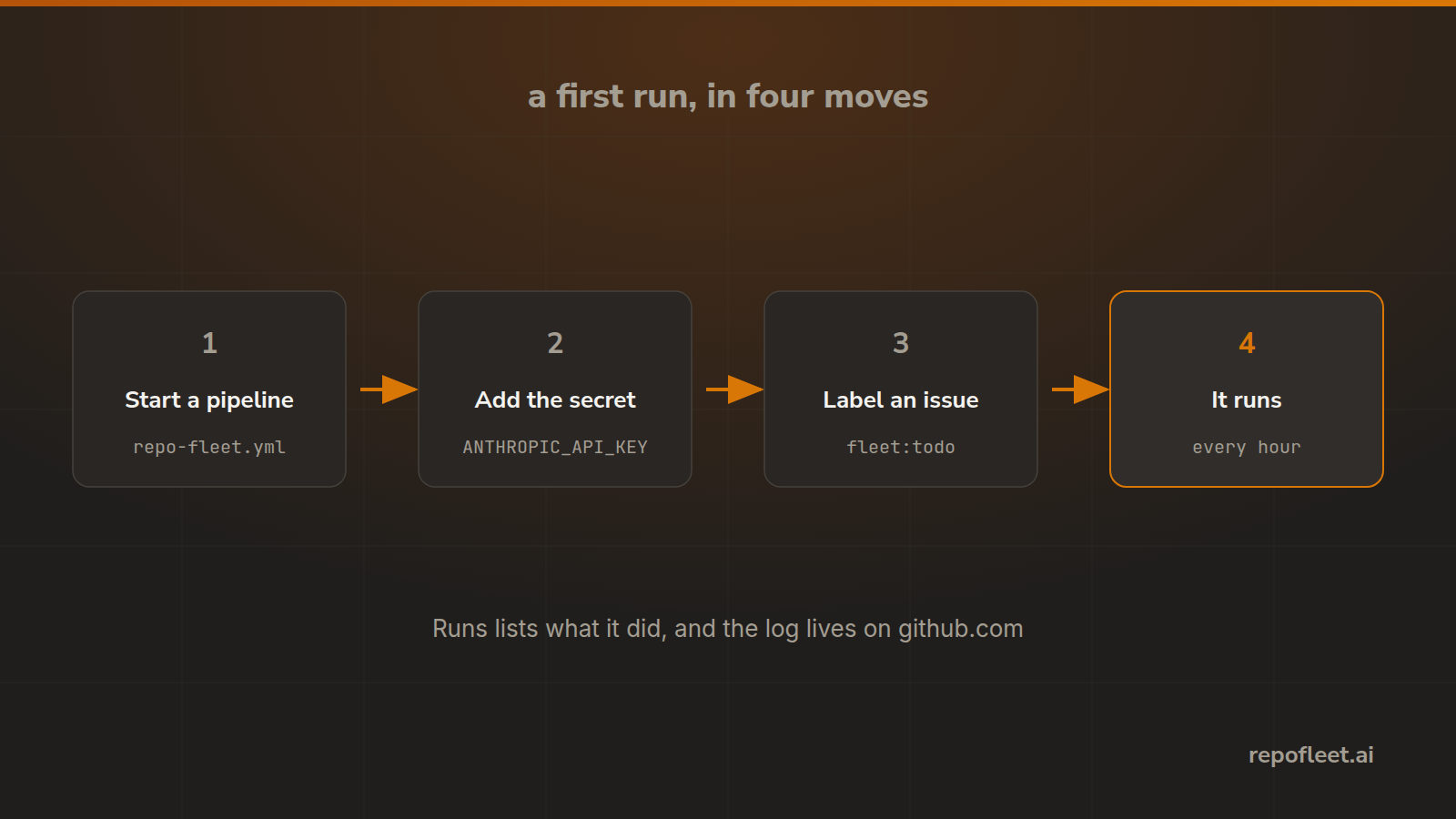
Write the starter workflow into a repository, give it a key and a label, and watch the first run.
Write the file
The starter pipeline is one workflow file that takes the oldest open issue labelled fleet:todo and pushes the work to the default branch.
- On Repositories, find a repository whose default branch holds no workflow, and choose Start a pipeline.
- Read what the dialog names: the file, the branch it lands on, what starts it, and the secret it reads.
- Confirm. That one file is written, and nothing else changes.
Give it a key and a label
- Add
ANTHROPIC_API_KEYas an Actions secret on GitHub. The run reads it, and Repo Fleet never sees it. - Or
CLAUDE_CODE_OAUTH_TOKENfor a Claude subscription; both are inputs on the same step. - Put
fleet:todoon one open issue. The label is the approval, and the first run creates it along withfleet:doingandfleet:needs-attention.
Watch it run
- The schedule fires once an hour and takes the oldest issue wearing the label.
- Runs lists what started it, the branch, how long it took, and a link to the log on github.com.
- Start a run in the editor dispatches the committed file at once, so you need not wait.
If nothing happens
- No issue wears the label, so the run ends having done nothing, and says so in its log.
- The secret is missing or misspelt, and the step that calls Claude fails on its first line.
- The default branch is protected, so the push is refused. Relax the rule, or ask the brief for a pull request.