Reference
How do permissions and secrets work in GitHub Actions?
The token every run carries, the scopes it gets, and where the other credentials live. Every scope in a table, the three levels and what unset means, and the rules that turn a workflow into somebody else's key to your repository.
🧭 The short answer
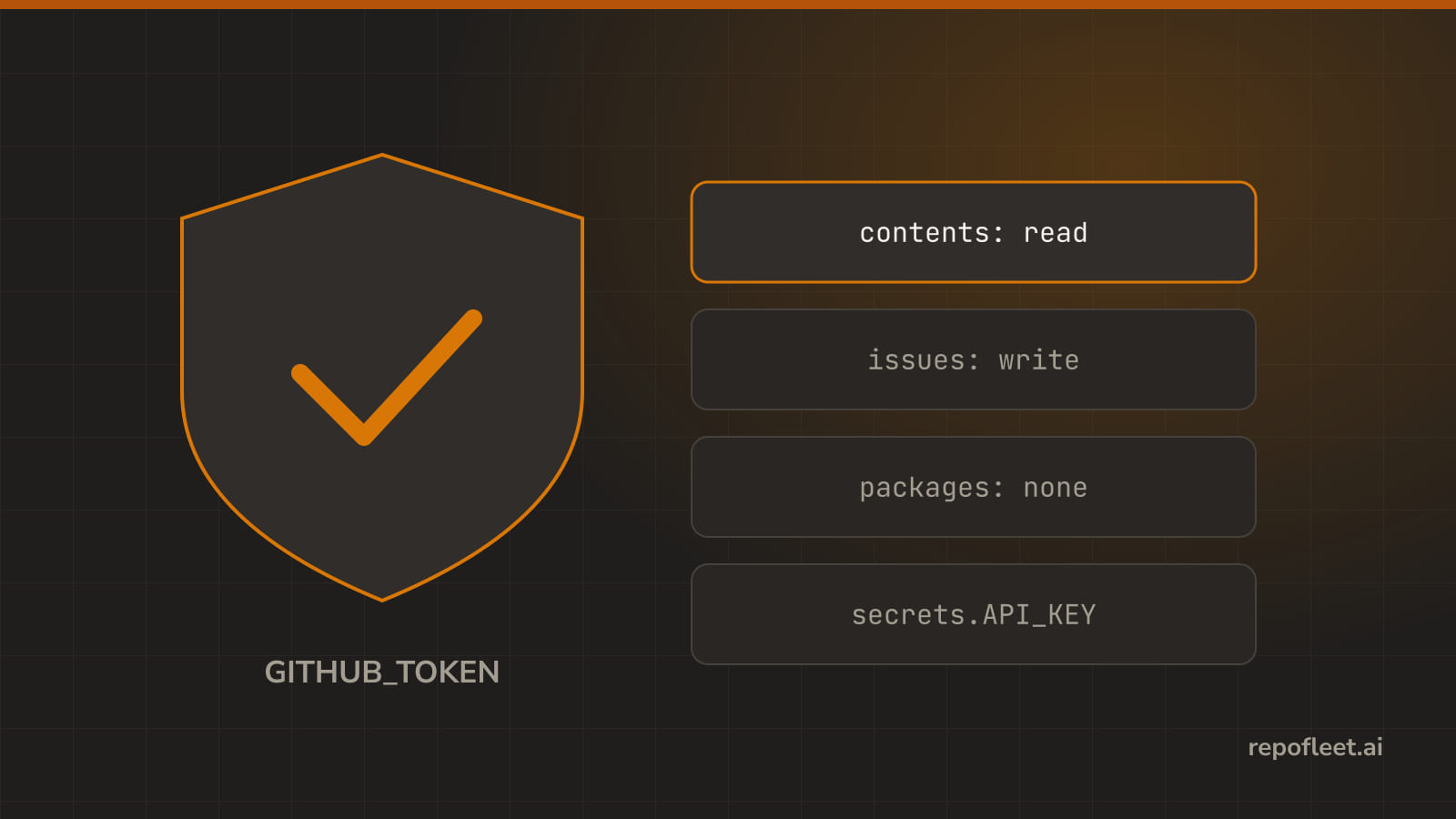
Every run is handed a real credential: a token GitHub mints for the job and revokes when the job ends. The permissions block names the scopes that token gets, and every scope it leaves out is off.
A secret is the other half. GitHub stores it encrypted, lends it to a run as secrets.NAME, masks the exact value in the log, and hands a pull request from a fork none of them.
🔑 GitHub token
- It is a fresh token GitHub mints for each run, hands to the job, and revokes when the job ends. A real credential with real reach.
- Reach for it when the run talks to this repository: a checkout, a comment on a pull request, a label, a release, a push.
- Lives in
secrets.GITHUB_TOKEN, orgithub.token, which are the same value.actions/checkouttakes it without being asked, andghreads it fromGH_TOKEN.
on: pull_request
permissions:
  contents: read
  pull-requests: write
jobs:
  comment:
    runs-on: ubuntu-latest
    timeout-minutes: 10
    steps:
      - uses: actions/checkout@v7
      - env:
          GH_TOKEN: ${{ secrets.GITHUB_TOKEN }}
          PR: ${{ github.event.number }}
        run: gh pr comment "$PR" --body "Looked at it."
- Gets you in trouble when
- it is not you. Everything it does is done by
github-actions[bot], so a commit it pushes is not yours and a review it leaves cannot approve your own pull request. - a push it makes starts nothing. Events raised with this token do not trigger another workflow, on purpose, so a tag it pushes never builds; that needs an App token or a personal one, and the loop guard goes with it.
- nobody set the default. A workflow granting nothing gets the repository default, set under Settings, Actions, Workflow permissions, and on an older repository that is read and write on everything.
- a pull request from a fork gets a read-only token whatever
permissionssays, and no secrets at all, so the job that needs one has to fail cleanly. - you put it somewhere it is printed. It is masked in a log like any secret, and masking only ever matches the exact value.
- it is not you. Everything it does is done by
- In the editor the shield card, What it is allowed to touch, opens with a sentence saying what the token may do as the file is written.
🛡️ permissions
- It is the list of scopes that token gets. Write it on the workflow, where it covers every job, or on a job, where it covers only that one.
- Reach for it when always, on every workflow you write. It is one key, it takes a minute, and it is the difference between a bug and an incident.
- Lives at the top level, or on a job, where it replaces the workflow's mapping whole rather than adding to it.
read-all,write-all, and{}are the shorthands.
on: push
permissions:
  contents: read
jobs:
  build:
    runs-on: ubuntu-latest
    timeout-minutes: 10
    steps:
      - uses: actions/checkout@v7
      - run: npm run build
  release:
    needs: build
    permissions:
      contents: write
    runs-on: ubuntu-latest
    timeout-minutes: 10
    steps:
      - uses: actions/checkout@v7
      - env:
          GH_TOKEN: ${{ secrets.GITHUB_TOKEN }}
        run: gh release create "$GITHUB_REF_NAME" --generate-notes
- Least privilege, said once: start from nothing, add the one scope the job actually needs, and write it on the job rather than the whole workflow.
- Every scope GitHub offers, and what a workflow that files issues and edits its own code tends to need.
| Scope | What it lets the run do | A typical agent workflow needs |
|---|---|---|
actions |
Read runs, logs, and artifacts; write cancels, re-runs, and starts a workflow | read, or write where it dispatches another workflow |
artifact-metadata |
Read what an artifact is and who made it, without downloading it | Nothing |
attestations |
Read build provenance; write signs a new attestation for what it built | Nothing |
checks |
Read check runs; write creates one and reports a result on a commit | Nothing, unless it reports its own check |
code-quality |
Read the repository's code quality results | Nothing |
contents |
Read the code and files; write pushes commits, branches, tags, and releases | read to check out, write only on the job that commits |
deployments |
Read deployments; write creates one and moves its status | Nothing, unless it deploys |
discussions |
Read discussions; write posts and edits them | Nothing |
id-token |
Fetch an OIDC token, the thing that logs into a cloud without a stored key | write only where it signs into a cloud provider |
issues |
Read issues and comments; write opens, labels, comments, and closes them | write, which is most of what an agent workflow does |
models |
Call the GitHub Models inference API; read is the only grant it takes | Nothing, unless it uses GitHub Models |
packages |
Read packages from the registry; write publishes one | Nothing, unless it publishes |
pages |
Read the Pages site; write requests a build and a deployment | Nothing, unless it deploys Pages |
pull-requests |
Read pull requests; write opens, labels, comments, and reviews them | write, on the job that raises the pull request |
repository-projects |
Read project boards; write moves cards around them | Nothing |
security-events |
Read code scanning alerts; write uploads a SARIF result | Nothing, unless it runs a scanner |
statuses |
Read commit statuses; write sets one on a commit | Nothing |
vulnerability-alerts |
Read Dependabot alerts; read is the only grant it takes | Nothing |
copilot-requests |
Spend the repository's Copilot request allowance; write is the only grant it takes | Nothing |
- Three levels, and one of them is the absence of the key.
read: look, do not touch. It is the level almost everything wants, andcontents: readis what a checkout needs.write: read and write both. There is no write-only level, so granting a write always grants the read with it.none: nothing at all on that scope, and the same as leaving the scope out of a mapping you have written.- Unset on the workflow means the repository decides, under Settings, Actions, Workflow permissions.
- Unset on a job means the workflow above it decides, and if nothing is set there either, the repository does.
- Gets you in trouble when
- you delete the key instead of emptying it. Writing an empty mapping,
permissions: {}, grants nothing; removingpermissionsaltogether hands the job the repository default, which is usually far wider. - a job's mapping replaces the workflow's, whole. It is never merged, so a job naming
issues: writealone has nocontentsat all and its checkout of a private repository fails. - you reach for
write-allto make a red run go green. It grants every scope on the list, the code included, to every step, including the third-party action three steps down. - not every scope takes every level.
modelsandvulnerability-alertstakereadornone,copilot-requeststakeswrite, and the editor's select offers only what each one allows. - nothing is set and a step pushes. The editor says so: neither the workflow nor the job sets
permissions, so the token carries the repository default, whatever that turns out to be.
- you delete the key instead of emptying it. Writing an empty mapping,
- In the editor the shield card's presets write the usual answers in a click, and Scope by scope gives each grant its own row, with the ungranted below as chips.
🔐 secrets
- It is a value GitHub stores encrypted and lends to a run: an API key, a deploy key, a token for somewhere that is not GitHub.
- Reach for it when a step needs a credential the run's own token is not, and the value must not appear in the file, the history, or a fork.
- Lives in repository, environment, or organisation settings, and is read as
secrets.NAMEinside${{ }}. The file names it; the file never holds it.
on: workflow_dispatch
permissions:
  contents: read
jobs:
  ship:
    runs-on: ubuntu-latest
    timeout-minutes: 10
    steps:
      - uses: actions/checkout@v7
      - env:
          ANTHROPIC_API_KEY: ${{ secrets.ANTHROPIC_API_KEY }}
        run: ./ship.sh
- The rules, all of them.
- Set one under Settings, Secrets and variables, Actions. An organisation secret reaches every repository it is shared with; an environment secret reaches only a job that names that environment.
- Read one in
env, inwith, or in thesecretsa called workflow is handed. Never in anif, on a job or a step: GitHub keeps the context out of every condition. - Never in a
runline. Put it inenvon the step and read$NAMEin the script instead; the shell gets the value, and the command line does not. - A name cannot start with
GITHUB_, and once saved a secret can be replaced but never read back, in the UI or by you. - A variable is not a secret.
vars.NAMEis for the things you would not mind reading in a public log; anything else is a secret.
- Gets you in trouble when
- it lands in a
runline anyway. The editor names it as you type:The script interpolates secrets.API_KEY, so the secret lands in the command line and in the log of a failed command. - something prints it in another shape. GitHub masks the exact value and nothing else, so a base64 of it, a URL holding it, or a JSON dump of the environment goes through in plain text. Masking is a safety net, not a plan.
- a
pull_request_targetworkflow checks out the fork's branch. That runs a stranger's code with your secrets and your write token, in your repository; the editor warns on exactly that step. - the pull request came from a fork. There are no secrets at all there, so
secrets.API_KEYreads as empty text and the step fails somewhere further down, wearing a confusing error. - a secret is printed once. Then it is a rotated secret, not a masked one: revoke it at the place that issued it, and put the new one in GitHub.
- it lands in a
- In the editor the findings panel flags a
secrets.value written into arunline, and apull_request_targetcheckout of the fork's head, on load and on every keystroke.
🤝 secrets inherit
- It is how a called workflow gets any of yours, since it starts with none.
secrets: inherithands it every secret this workflow can see; a mapping hands it only the ones you name. - Reach for it when a job calls a reusable workflow that needs a credential to do its half of the work.
- Lives on a calling job, beside
usesandwith, as either the wordinheritor a mapping of the called workflow's names to values.
on: push
permissions:
  contents: read
jobs:
  deploy:
    uses: ./.github/workflows/deploy.yml
    secrets:
      DEPLOY_KEY: ${{ secrets.DEPLOY_KEY }}
  smoke:
    uses: ./.github/workflows/smoke.yml
    secrets: inherit
- Naming them is the safe default and
inheritis the convenient one.- Naming secrets hands over exactly those. The called workflow has to declare each under
on.workflow_call.secrets, or GitHub refuses the run before anything starts. inherithands over the lot: every repository, environment, and organisation secret this workflow can read, with no list to review.- A call still runs under the caller's token, so the called workflow's
permissionscan narrow what it may do but never widen it.
- Naming secrets hands over exactly those. The called workflow has to declare each under
- Gets you in trouble when
inheritpoints at a repository you do not own. A reusable workflow elsewhere is somebody else's code, and one line just gave it every credential you have.- you take the last named secret out. The
secretskey stays written as an empty mapping, which is neitherinheritnor nothing: it hands over exactly no secrets, quietly. - a name does not match. The mapping's keys are the called workflow's names, not yours, so
DEPLOY_KEY: ${{ secrets.PROD_DEPLOY_KEY }}is the usual shape and a typo on the left fails the run. - the called workflow needs
contents: writeand the caller grantedread. The call inherits the narrower token, so the grant has to be made here, on the calling job. - you reach for
inheritto make a failing call pass. It works, and it hands over nineteen credentials to fix one; name the one it was missing instead.
- In the editor a calling job's Secrets it hands over offers Nothing, Only the ones I name, and Every secret this workflow holds, saying what each hands over.
📚 Straight from GitHub
permissions: every scope, the three levels, and theread-allandwrite-allshorthands.- Automatic token authentication: where
GITHUB_TOKENcomes from, what it defaults to, and why a push it makes starts no workflow. - Using secrets in GitHub Actions: setting one, reading one, the naming rules, and the limits.
- Security hardening for GitHub Actions: masking, third-party actions, and script injection in a
runline. jobs.<job_id>.secretsandinherit: handing secrets to a called workflow.pull_request_target: the trigger that runs your workflow, with your secrets, over a fork's pull request.