Reference
How do you call one GitHub Actions workflow from another?
Write a workflow once and call it from everywhere. What workflow_call declares, what a calling job may and may not have, what inherit really hands over, and how an environment makes a deploy wait for a human.
🧭 The short answer
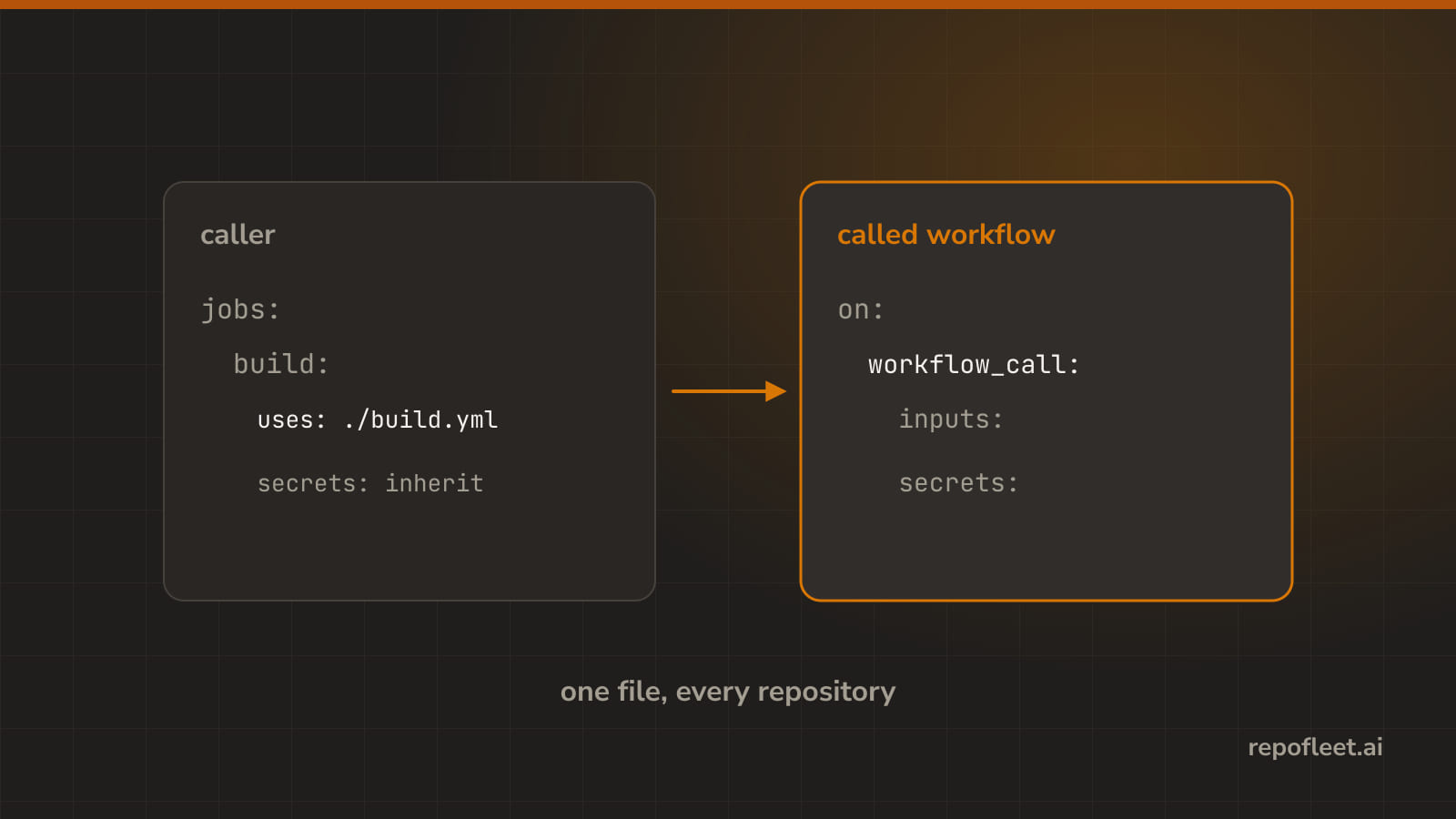
Put on: workflow_call at the top of the workflow you want to reuse, then write uses: on a job in the caller where steps would have been. The call passes arguments in with and credentials in secrets, and the called workflow's own jobs bring their runners.
An environment on a deploying job is the other half of this page. It lends that job its own secrets, and it can hold the job until a named reviewer approves.
🧩 Workflow call
- It is what makes a workflow a function: other workflows call one that says
on: workflow_call, pass it arguments, and get its jobs run for them. - Reach for it when the same steps are about to be copied into a second repository, or a second workflow in this one.
- Lives at the top of the called workflow, as a trigger like any other, declaring the
inputsandsecretsit expects.
name: Deploy
on:
  workflow_call:
    inputs:
      environment:
        description: Which environment to deploy to.
        type: string
        required: true
    secrets:
      DEPLOY_KEY:
        required: true
permissions:
  contents: read
jobs:
  deploy:
    runs-on: ubuntu-latest
    timeout-minutes: 15
    environment: ${{ inputs.environment }}
    steps:
      - uses: actions/checkout@v7
      - name: Deploy
        env:
          DEPLOY_KEY: ${{ secrets.DEPLOY_KEY }}
        run: ./deploy.sh "${{ inputs.environment }}"
- One pipeline serves twenty repositories this way, which is what Repo Fleet's own pipeline does: each repository holds a stub, and the workflow lives in one place.
- Gets you in trouble when
- you expect it to run on its own.
workflow_callis the only trigger it has here, so nothing fires it until something calls it; addpushbeside it if you want both. - you read
github.refinside it. Every context still belongs to the caller's event, so a called workflow sees the branch that triggered the caller, not its own file's branch. - you nest four deep. GitHub allows a call four levels down and no further, and a chain that long is impossible to read anyway.
- you call it from a private repository elsewhere. A reusable workflow has to be public, or in the same repository, or in the same organisation with sharing turned on.
- you change its inputs. Every caller passing the old ones breaks at once, so a reusable workflow's inputs are an API and adding is safer than renaming.
- you expect it to run on its own.
- In the editor a job's Workflow it calls field, whose hint says a workflow in this repository starts with
./and one anywhere else is pinned.
📞 Calling job
- It is
useson the job itself, plus thewithandsecretsit hands over. A job either runs steps or calls a workflow, never both. - Reach for it when the work already exists as a reusable workflow and this repository only has to say which one and with what.
- Lives where
stepswould have been, asuseson the job itself rather than on a step inside it.
name: Release
on:
  push:
    branches: [main]
permissions:
  contents: read
jobs:
  staging:
    uses: ./.github/workflows/deploy.yml
    with:
      environment: staging
    secrets:
      DEPLOY_KEY: ${{ secrets.STAGING_DEPLOY_KEY }}
  production:
    needs: staging
    uses: ./.github/workflows/deploy.yml
    with:
      environment: production
    secrets:
      DEPLOY_KEY: ${{ secrets.PRODUCTION_DEPLOY_KEY }}
- The two halves of a call, line for line.
| The called workflow declares | The calling job writes |
|---|---|
on: workflow_call |
uses: ./.github/workflows/deploy.yml |
inputs: environment: |
with: environment: production |
secrets: DEPLOY_KEY: |
secrets: DEPLOY_KEY: ${{ secrets.PRODUCTION_DEPLOY_KEY }} |
- A calling job may not have, because GitHub forbids every one of them:
steps, andruns-onwith them: the called workflow's own jobs bring their runners, so this job never has a machine of its own.timeout-minutesandcontinue-on-error: the jobs inside carry their own, and GitHub reads neither here.env,defaults,environment,outputs,container, andservices: all of them belong to a job that runs steps.- What it keeps is short:
name,needs,if,permissions,concurrency,strategy, and the three that make the call.
- The editor drops those keys the moment you switch a job to calling a workflow, so a job that suddenly lost its steps did not eat them, and switching back writes fresh ones.
- Gets you in trouble when
- you pin the called workflow to a branch.
@mainchanges under you exactly as an action's does, so pin a tag or a commit for anything outside your own repository. - you write
./.github/workflows/deploy.yml@v1. A local call takes no ref at all; it always runs the copy on the branch the caller is running from. - you add a step to it. GitHub refuses the file outright, and the editor takes
stepsaway rather than let you write something that will not run. - you expect
ifto reach inside. A condition on a calling job decides whether the whole call happens; the jobs within decide their own. - you count it as one job. A call of five jobs bills five jobs and shows five in the run, so a matrix over a call multiplies faster than it looks.
- you pin the called workflow to a branch.
- In the editor the What this job does control, Runs steps or Calls a workflow, which rewrites the job's keys as you flip it.
📥 Call inputs
- They are the arguments. The called workflow declares each one with a type, and the caller passes them in
with. - Reach for it when two callers need the same steps with one thing different: an environment name, a version, a flag.
- Lives under
on.workflow_call.inputsin the called workflow, and underwithon the calling job.
on:
  workflow_call:
    inputs:
      environment:
        description: Which environment to deploy to.
        type: string
        required: true
      version:
        description: The tag to deploy.
        type: string
        default: latest
      dry-run:
        description: Print what would happen and stop.
        type: boolean
        default: false
- What a declaration can say about an input.
| Key | What it does | Left out |
|---|---|---|
type |
string, boolean, or number, and it is the one key you cannot leave out |
the run fails before it starts |
required |
the caller must pass it | false, so the caller may leave it out |
default |
what the input is worth when nobody passes it | empty, false, or 0 for its type |
description |
what the editor shows beside the field | nothing, and the caller has to guess |
- The called workflow reads them as
inputs.environment, nevergithub.event.inputs; that second one belongs to a manual run. - Gets you in trouble when
- you pass a secret as an input. Inputs are printed in the run's own log while secrets are masked, so a token passed through
withis a token in plain text. - you leave the type off.
workflow_callinputs are typed, unlike an action's, and GitHub refuses the file rather than guess. - you expect a boolean to arrive as one. In a
runit is the texttrueorfalse, soif: inputs.dry-runworks and[ "$DRY" = true ]is what a script needs. - you rename one. Every caller passing the old name fails at once, and the failure names the input rather than the workflow that still passes it.
- you pass a key nobody declared. GitHub refuses the run, and the editor keeps that row visible rather than hide the thing that is breaking it.
- you pass a secret as an input. Inputs are printed in the run's own log while secrets are masked, so a token passed through
- In the editor the calling job's with rows: one field per input the called workflow declares, showing its description, its default, and whether it is required.
🔑 Call secrets
- They are what a called workflow has none of until you say so. You pass nothing, you name the ones it gets, or you hand over the lot.
- Reach for it when the called workflow needs a credential of its own to finish its half of the work.
- Lives under
secretson the calling job, as either a mapping of the called workflow's names to values, or the single wordinherit.
jobs:
  build:
    uses: ./.github/workflows/build.yml
  deploy:
    uses: ./.github/workflows/deploy.yml
    secrets:
      DEPLOY_KEY: ${{ secrets.PRODUCTION_DEPLOY_KEY }}
  smoke:
    uses: ./.github/workflows/smoke.yml
    secrets: inherit
- Three lines, three answers.
- Nothing. No
secretskey passes no secrets, which is right for a build that only needs the code. inherit. Every secret this workflow can read goes over, including the ones added next year by somebody else.- Naming them. Only what the mapping lists goes over, and the keys are the called workflow's names, not yours.
- Nothing. No
inheritis the convenient one and it hands over every secret you have, including the ones that workflow has no business seeing. Naming them is the safe default.- Gets you in trouble when
- you write
inheritto a repository you do not own. Somebody else's reusable workflow just received every credential this workflow can read, in one word. - you take the last named secret out. The
secretskey stays as an empty mapping, which is neitherinheritnor nothing: it passes exactly none, quietly. - a name does not match.
DEPLOY_KEY: ${{ secrets.PROD_DEPLOY_KEY }}is the usual shape, and a typo on the left fails the run while the right side reads fine. - you forget the token is the caller's. A call runs on the caller's
GITHUB_TOKEN, so the called workflow'spermissionscan narrow what it may do but never widen it. - you pass a secret the called workflow never declared. It has to list each one under
on.workflow_call.secrets, or GitHub refuses the run before anything starts.
- you write
- In the editor the calling job's Secrets it hands over: Nothing, Only the ones I name, or Every secret this workflow holds, with a sentence saying what each one means.
🚪 Environment
- It is a named place a job deploys to: production, staging, the demo box. It carries its own secrets and its own rules.
- Reach for it when a job deploys somewhere real, or needs a credential that only that place should hand out.
- Lives on a job as
environment, either a name on its own or a mapping with aurlshown against the deployment.
name: Deploy
on:
  push:
    branches: [main]
permissions:
  contents: read
jobs:
  production:
    runs-on: ubuntu-latest
    timeout-minutes: 30
    environment:
      name: production
      url: https://app.repofleet.ai
    steps:
      - uses: actions/checkout@v7
      - run: ./deploy.sh
- How do you make a deploy wait for someone to click approve? This is the answer, and it is two settings, not one.
| Where | What you do |
|---|---|
| The repository's settings | Create the environment, add required reviewers, and put its secrets on it |
| The workflow | Name it in environment on the job that deploys |
- A required reviewer holds the job before its first step runs, and GitHub asks the named people to approve it. That is a real approval gate, and it is the cheapest safety you can buy.
- Its secrets beat the repository's. A secret set on the environment is what a job in it reads, so
DEPLOY_KEYcan mean one thing for staging and another for production. - A wait timer and a branch rule come with it: hold every deploy ten minutes, or refuse to run from anything but
main. - Gets you in trouble when
- you name an environment the repository does not have. GitHub creates it, with no reviewers and no secrets, so the gate you were counting on silently is not there.
- you expect it to protect the secrets from a pull request. Approval gates the deploy, not the branch, so a workflow that runs on a fork's code still runs that code.
- you put it on a calling job. GitHub forbids
environmentthere; it belongs on the jobs inside the called workflow, which is where the deploy happens. - you approve and forget the timeout. A job waiting on a reviewer is not running, but it does expire, and thirty days later it is simply gone.
- you give one environment to every job. Each approval is per job, so five jobs in
productionis five clicks for one deploy.
- In the editor a job's Deploys to field, with Deployment URL beside it, whose hint says an environment lends the job its own secrets and can hold it until somebody approves.
📚 Straight from GitHub
- Reusing workflows: what a reusable workflow is, what may call one, and the four-level nesting limit.
on.workflow_callandjobs.<job_id>.uses: declaring the call, and making one.on.workflow_call.inputsandjobs.<job_id>.with: the inputs a workflow declares and the ones a caller passes.- Passing secrets to a reusable workflow: naming them, and what
inherithands over. - Deployment environments: reviewers, wait timers, branch rules, and environment secrets.