Getting started
Connect a repository
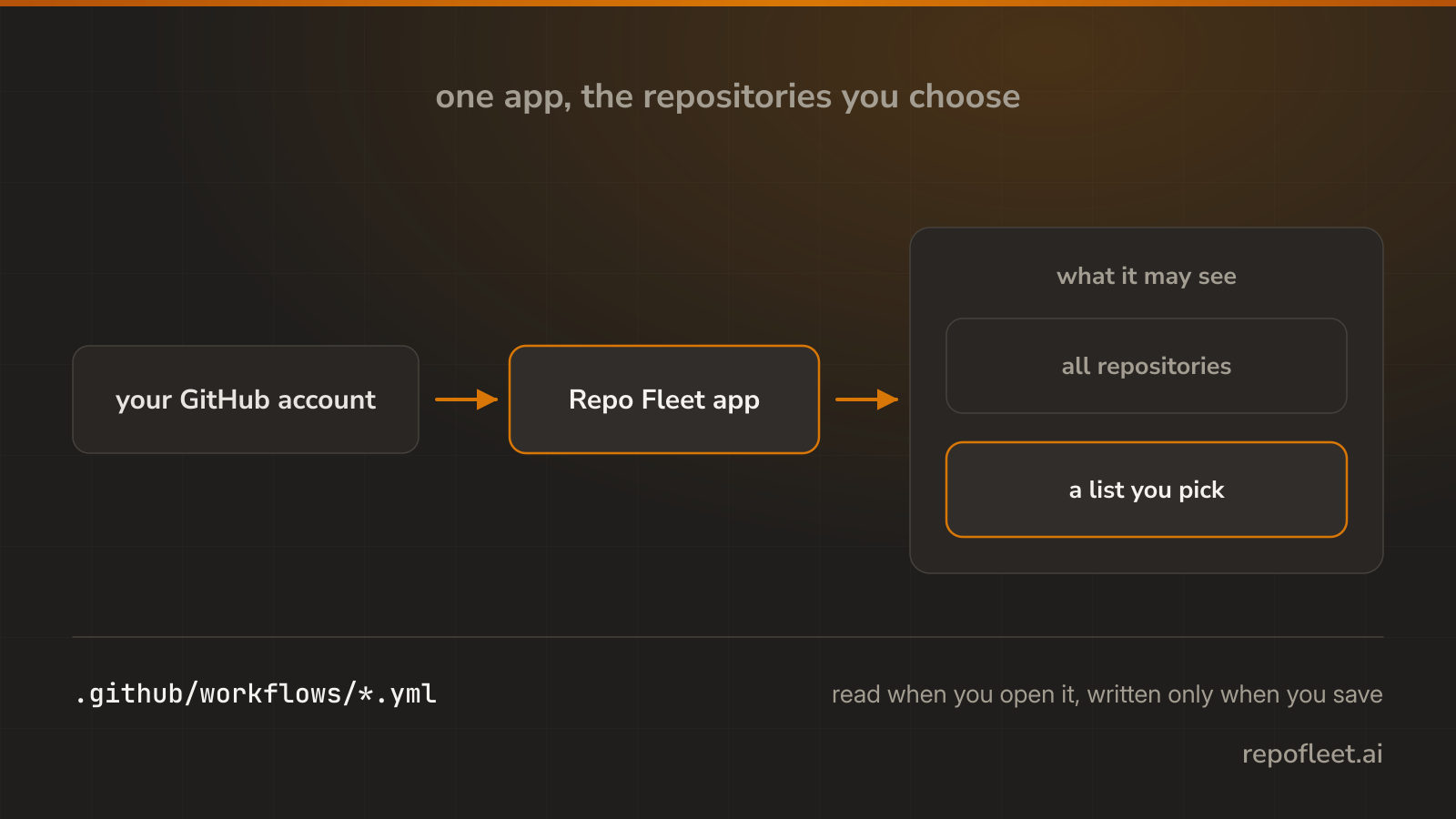
Install the Repo Fleet GitHub App on an account and pick the repositories it may see.
Install the app
Repo Fleet reaches your code through a GitHub App you install on an account or an organization.
- Sign in, open Repositories, and choose Connect GitHub.
- Pick the account or organization to install it on.
- Choose what it may see: all repositories, or a list.
- Approve the permissions, and GitHub sends you back with the account linked.
What it may see
- The workflow files you open, and nothing else. It writes one only when you save it.
- All repositories takes in the ones you create later; a chosen list does not.
- An organization may need its owner, who gets the request to approve.
- Only an installation your GitHub account lists is linked, so nobody hands you somebody else's.
- Change the list on GitHub whenever you like; the next refresh follows it, and uninstalling ends every permission at once.
What a repository card offers
- Agents opens that repository's workflow files.
- Runs opens what has run in it lately.
- Start a pipeline shows while the default branch holds no workflow.
- The full name opens the repository on github.com in a new tab.
- The pill says what the app may do there.
What Free and Pro reach
- Free takes every public repository on every account you link, and one private repository in total.
- Pro takes every repository, public and private.
- A repository past the limit says so where you meet it. Pricing has the rest.