Build agents
Workflows and templates
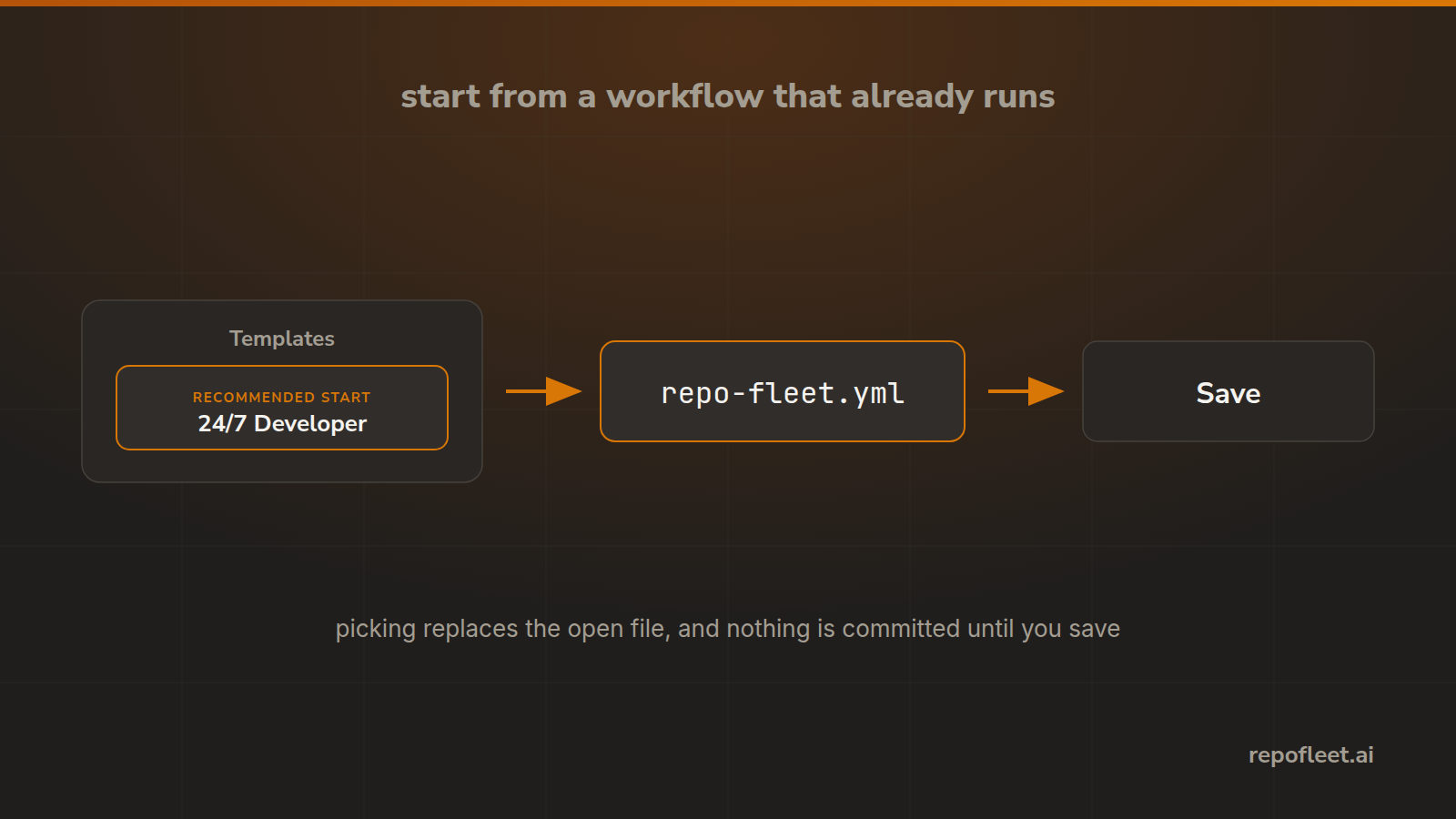
Start from a workflow that already runs, and swap one in without committing anything.
A workflow is the agent
An agent here is a GitHub Actions workflow file in your own repository. It says what starts it, what the run may touch, what machine it runs on, and what it runs. GitHub runs the file, and Repo Fleet is where you build it.
The templates
| Template | What it is for |
|---|---|
| 24/7 Developer | Takes the oldest issue labelled fleet:todo every hour, pushes the work to main, and closes it. |
The three columns
fleet:todois the queue. Put it on an issue and the next run may take it.fleet:doingis the issue in hand. A run takes the oldest of these first, so an issue a dead run left half done is finished before a new one starts.fleet:needs-attentionis yours. A run that cannot finish comments why, moves the issue here, and leaves it open.- The first run creates all three, so a fresh repository needs nothing set up.
Use one
- Templates in the editor opens the gallery; the starred one is the recommended start.
- Picking replaces the open file as a single undo step, and asks first only over text you typed.
- Nothing is committed by picking. The file is a draft until you save it.
- Every template raises no finding in the editor's own checks, so a fresh one starts clean.
Start a pipeline instead
- A repository whose default branch holds no workflow is offered the starred template whole, from Repositories.
- It writes
.github/workflows/repo-fleet.ymlto the default branch and touches nothing else. - It wants two things before it can work: the
ANTHROPIC_API_KEYsecret, and a default branch it may push to. - A Claude subscription signs in instead with
CLAUDE_CODE_OAUTH_TOKEN; an agent takes one of the two, never both.
Write your own
- Start from the template nearest what you want. A blank file is slower and easier to get wrong.
- The Code tab takes YAML you paste, and the checks run on it the moment it lands.